 We Math
The maths app for children aged 6 to 12.
The whole primary-school curriculum, not just arithmetic, designed as a 10-minute daily ritual.
Available in English, French, Dutch, German, Italian and Spanish.
We Math
The whole primary-school curriculum, not just arithmetic, designed as a 10-minute daily ritual.
Available in English, French, Dutch, German, Italian and Spanish.
We Math helps children aged 6 to 12 make real progress in maths, while having fun. The whole primary-school curriculum, not just arithmetic: numbers and calculation, space and geometry, measurement, data and logic. Designed as a 10-minute daily ritual, it builds your child's confidence and shows you their real progress. No ads, no tracking, no account: nothing is collected, everything works offline and stays on the device.
Have your own phone? We Parents shows the same progress there, for free.
A calm, native interface: designed for a child to use alone, and for a parent to read at a glance.
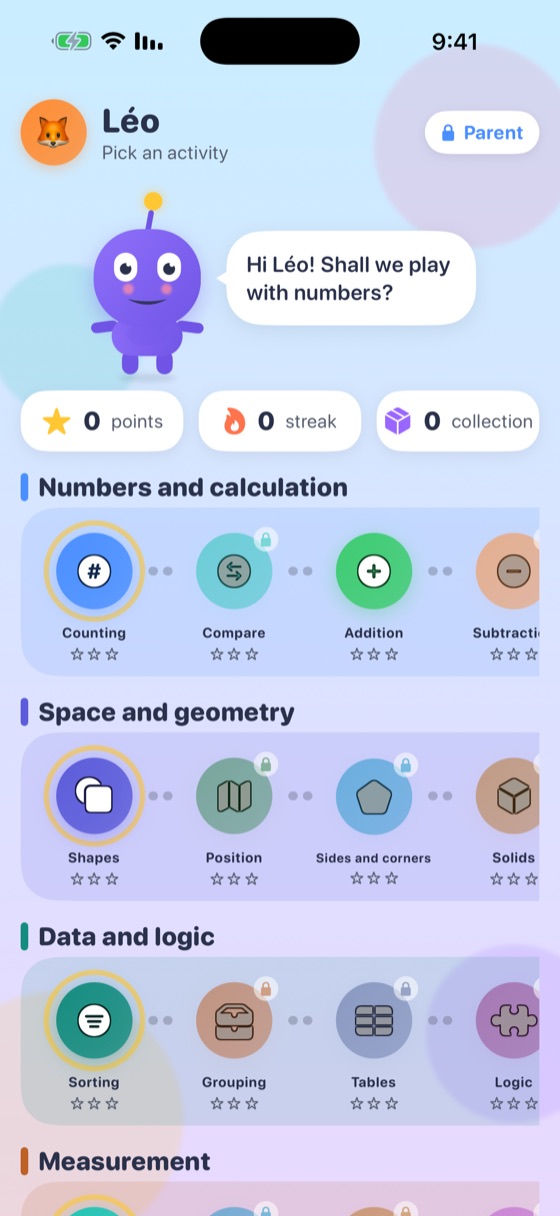
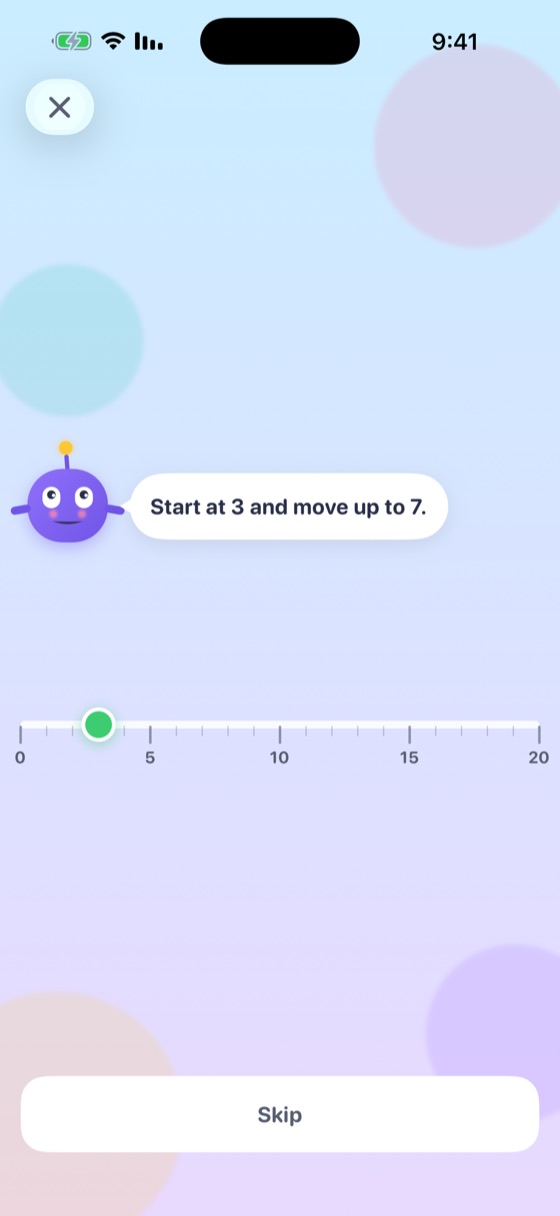
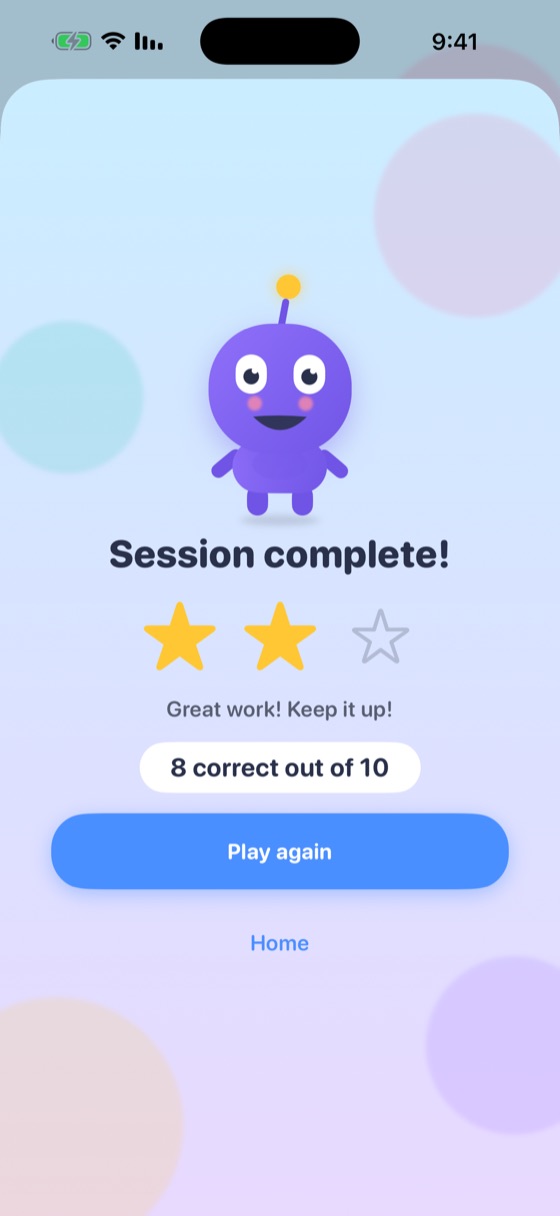
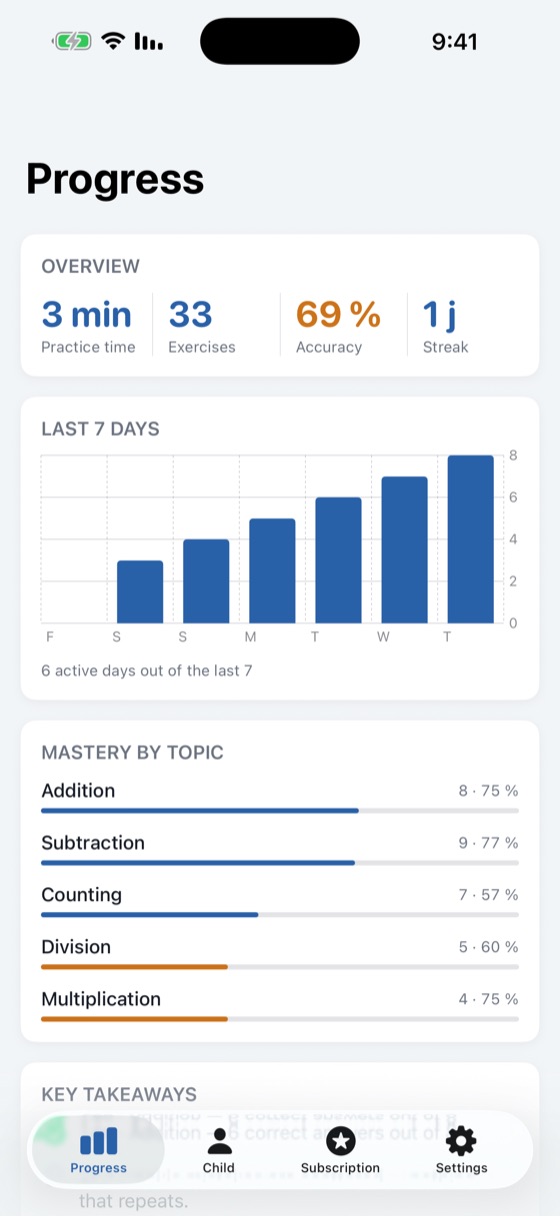
Four domains, just like at school: more than 40 notions in all, each discovered step by step, from easy to hard, with validation and review.
Counting, Compare, Big numbers, Addition, Subtraction, Multiplication, Division, Fractions, Decimals, Percentages and word Problems.
Shapes, Position, Sides and corners, Solids, Nets, Symmetry and Angles.
Money, Time, Length, Mass, Perimeter and Area: the maths of everyday life.
Sorting, Grouping, Tables, Charts and Logic: reading information, not just computing it.
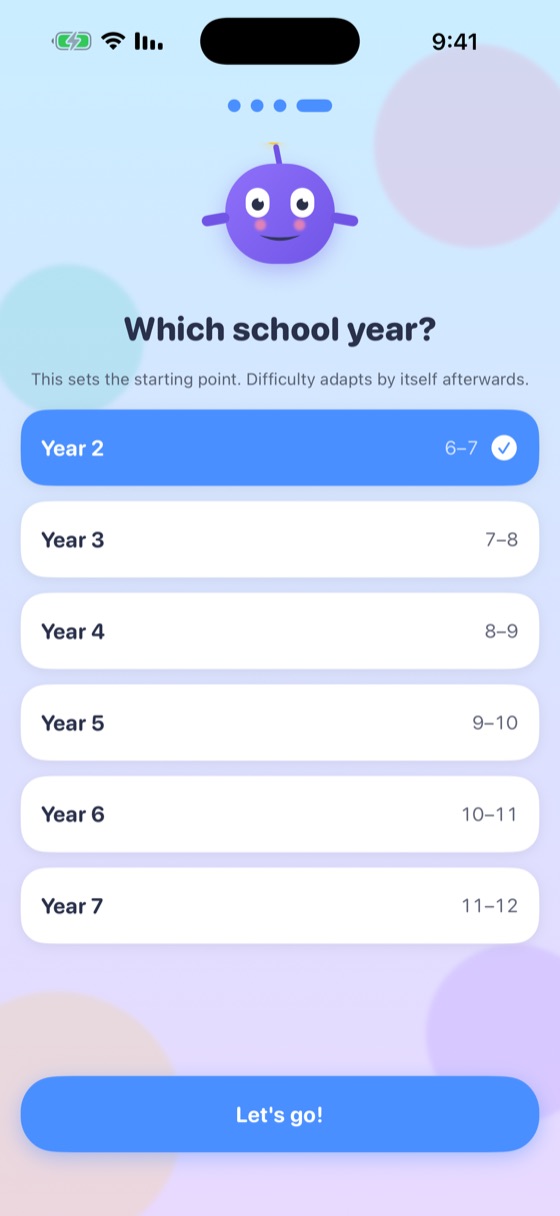
We Math measures success, speed and mistakes, then adjusts the level automatically: never too easy, never too hard. You choose the school year once, at the start; after that the app follows the child rather than the calendar.
Not "how many points did they get?" but where are they actually struggling? Practice time, exercises done, success rate, streak, the last seven days, and mastery notion by notion: strengths and weak spots side by side. The parent area is protected by a 4-digit parental code you set on first launch, with Face ID as a faster unlock.
We Parents is the free companion app to We Math, on your own phone. It shows your child’s real progress and lets you adjust their path: no account, no network, no server.
Practice time, exercises done, accuracy and streak, activity over the last 7 days, mastery topic by topic, a strength and a topic to work on, and how close they are to their reward.
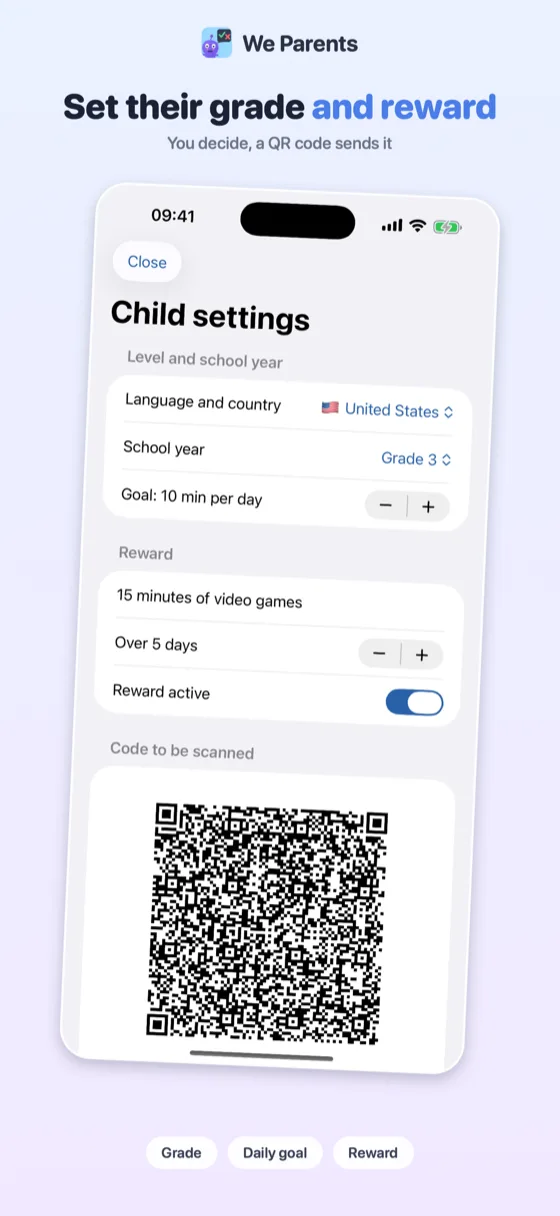
Choose their grade, their daily goal in minutes and a reward earned over a few days of practice.
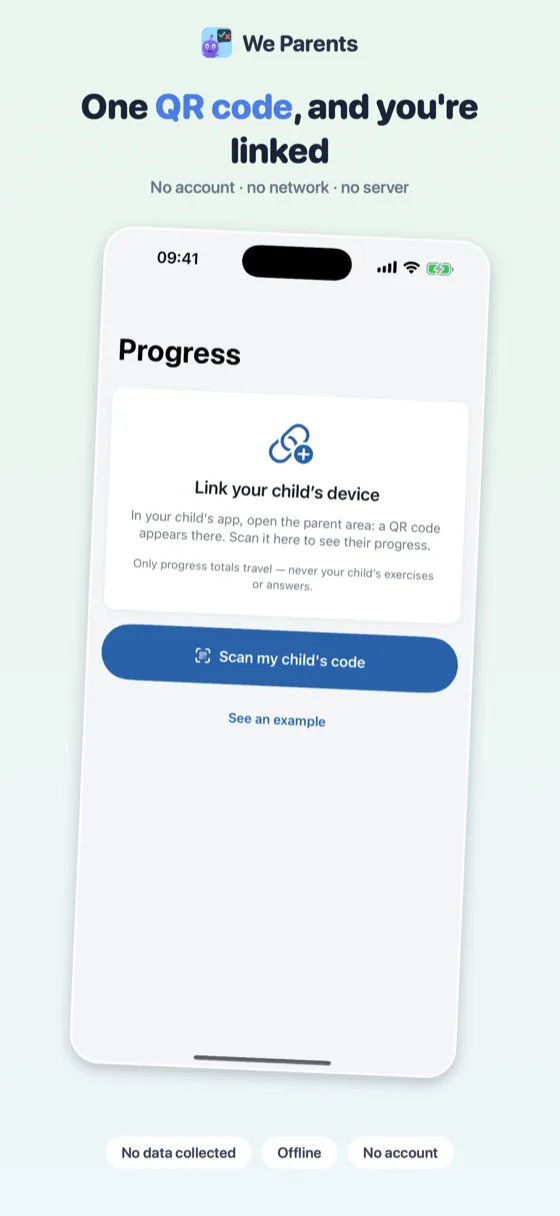
No account, no network, no server: the data travels inside the code itself, scanned from one phone to the other.
The camera only reads the code: no image is saved or sent. "See an example" lets you try it before linking anything.
See their progress. In We Math, open the parent area, "Child" tab: a code appears. In We Parents, tap "Scan my child's code."
Send settings. In We Parents, tap "Send settings to the child": a code appears. In We Math, parent area, "Child" tab, tap "Receive the parent's settings."
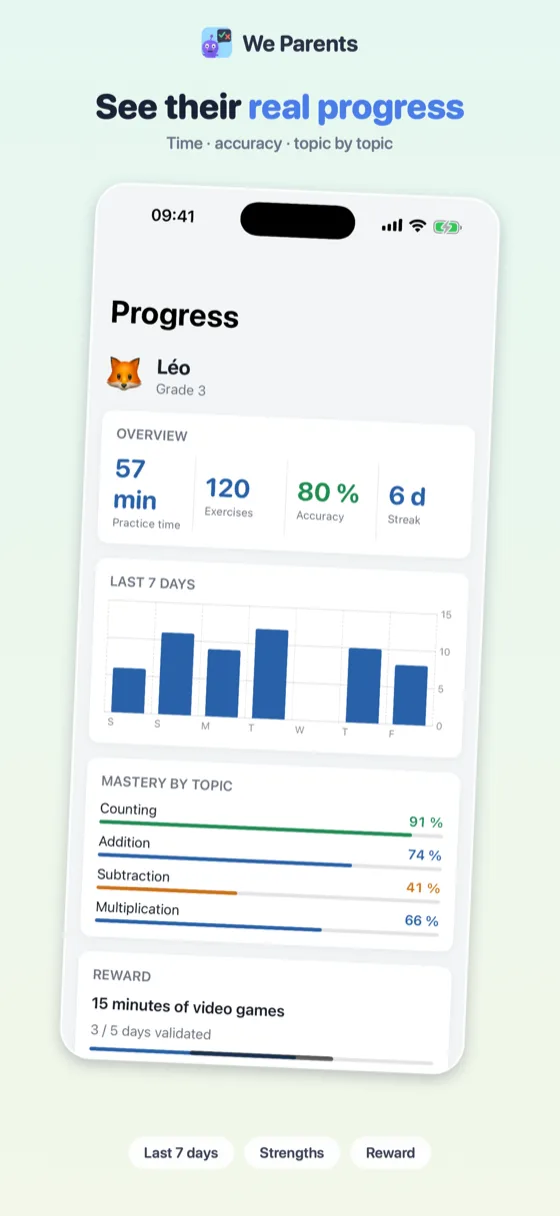
 We Parents
We Parents is free, with no in-app purchase. It requires We Math on your child's device. Privacy.
No account, no server, no network calls except Apple's own StoreKit when you subscribe. There is no wewe apps server for your child's data to sit on, because there is no server at all.
No ads, no analytics, no third-party SDK, in any version. No behavioural profiling of a child, ever, not by us, not by anyone.
The child's first name, avatar, school year and progress live in the app's own database, on the device. "Erase my data" is in the parent area and removes everything.
"Second grade", "CE1", "groep 4", "2. Klasse", "2º de Primaria", "classe seconda": the same age, six different names. We Math carries more than 20 school systems and uses the grade names, the decimal separator and the division notation of the country you pick, not a translation of somebody else's.
Five notions are free, for good: one open door in each of the four domains, plus addition, because it is what a parent comes to try: Counting, Shapes, Sorting, Money and Addition. Everything else (more than 40 notions in all) is covered by the We Math subscription: €24.99/year or €3.99/month after a 7-day free trial, shared with up to 6 family members through Apple Family Sharing. Cancel anytime in iOS Settings.
Yes, entirely. Every exercise is generated on the device, so the app works on a plane, in the car or on a tablet with no SIM. The only moment a network is used is the subscription purchase itself, which goes through Apple.
None. There is no account, no analytics, no advertising SDK and no wewe apps server. The child's first name, avatar, school year and progress stay in the app's database on the device, and the parent area has an "Erase my data" button that removes all of it.
Children aged 6 to 12, which is the whole of primary school. You pick the school year at first launch (the app knows more than 20 national systems and shows the grade names used where you live) and the difficulty then adapts on its own to the child's answers.
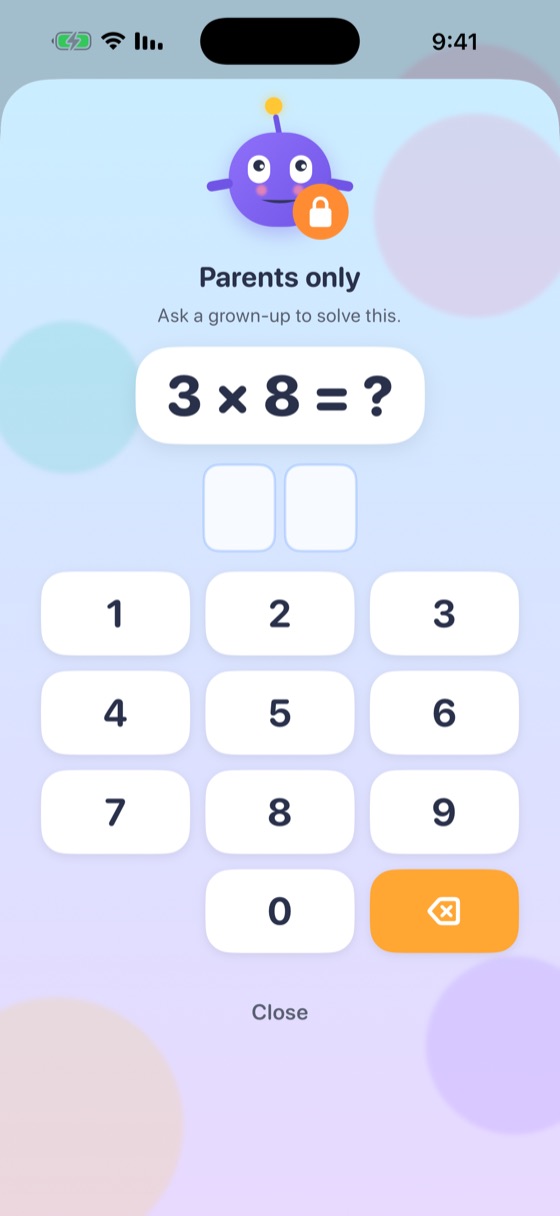
No. The subscription screen sits behind a multiplication that a child of this age cannot solve, which is the safeguard Apple recommends. The parent area itself (settings, progress, "erase my data") is behind a separate 4-digit code you choose on first launch.
Five notions, permanently: Counting, Shapes, Sorting, Money and Addition. That is deliberately one open door in each of the four domains, so a parent trying the app sees that it goes well beyond arithmetic before deciding anything.
In iOS Settings, under your name, then Subscriptions, not in the app. Cancelling stops the renewal and you keep access until the end of the period already paid for. During the 7-day free trial, cancelling costs nothing at all.